
Placecard Template
Place cards make any table — a wedding, a dinner party, a gala or a conference lunch — feel organised and personal. Paste in your guest list, choose folded tent cards or flat cards, pick a font, colour and border, and add table numbers or meal choices if you need them. The page lays out every card with cut and fold lines, ready to print on card stock.
- Free to use
- No sign-up
- Runs in your browser

Place card maker
Event Seating Printables
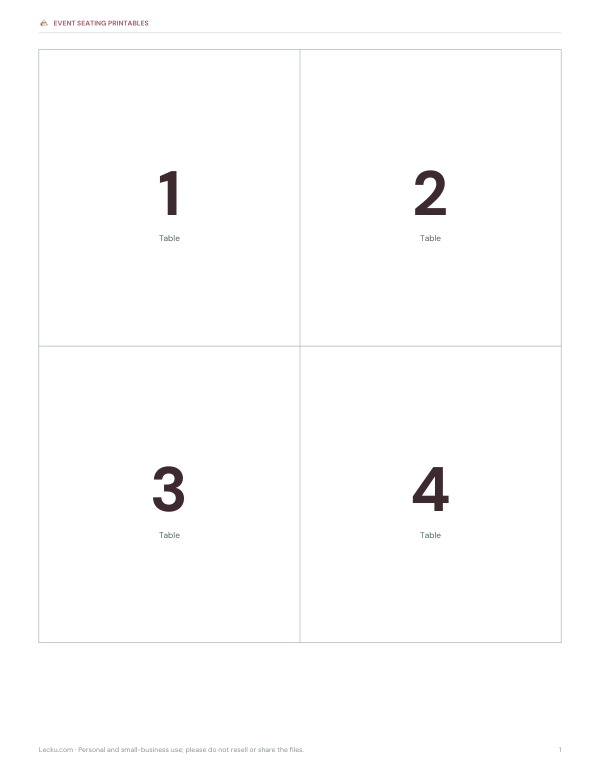
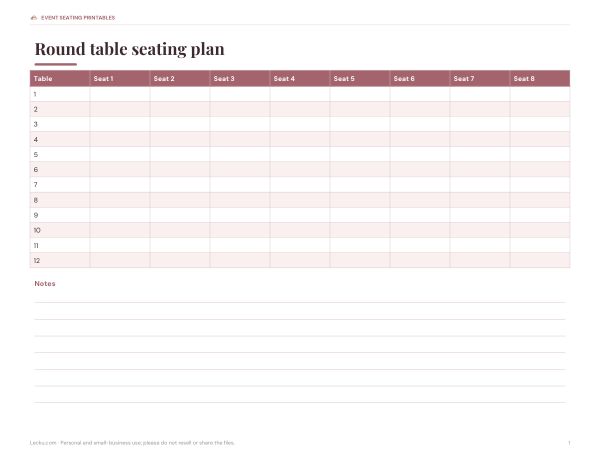
Printable event seating kit: seating chart templates for round and long tables, a guest list and meal choice tracker (Excel), table number cards, place card templates and an escort card sheet.
- Guest tracker (XLSX)
- Table numbers (PDF)
- Round tables (PDF)
- Blank place cards (PDF)
Formats: XLSX, PDF. Instant download after payment (link valid 72 hours, up to 5 downloads). AI-assisted: the templates were drafted with AI help and reviewed and laid out before publishing.
$5.00 USD, one-time 4 files · about $1.25 each
- Instant download
- 7-day refund
- Secure checkout by Stripe
7-day money-back guarantee. Full refund within 7 days of purchase, even after you download.
Free sample: Blank Place Cards (PDF, 39 KB)
Full refund within 7 days — see the refund policy and license.
New · 5 files · PDF
Halloween Party Printables
Illustrated Halloween party printables: two invitations with fill-in details, tent place cards, treat-bag tags, two greeting cards and two coloring pages for kids.


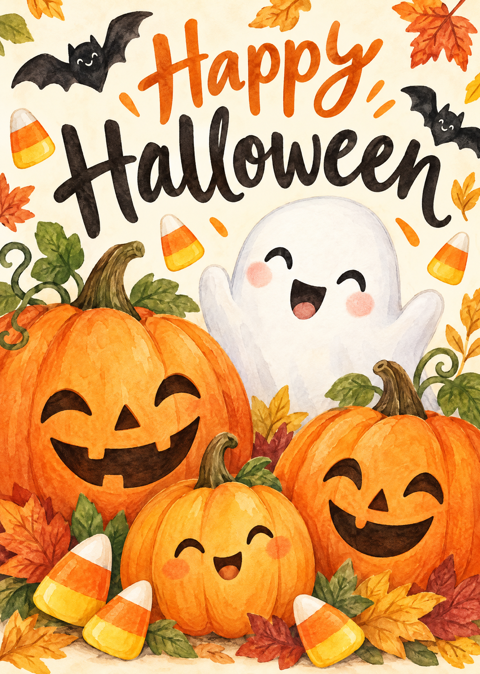
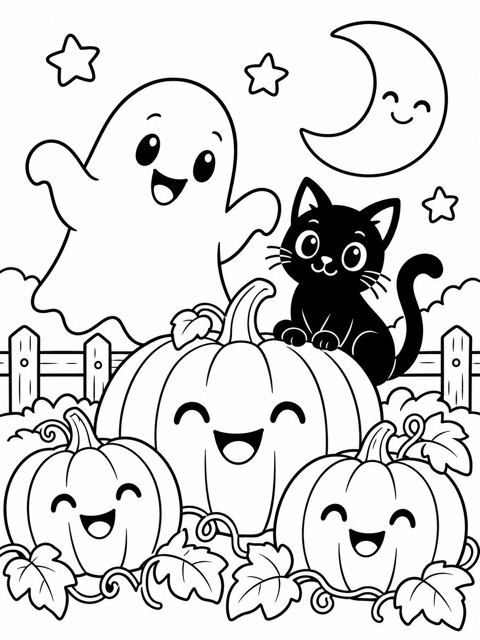
- 2 party invitations, 5x7, two per page (PDF)
- 2 place card designs, 4 per page (PDF)
- 1 sheet of treat-bag tags (PDF)
- + 2 more
$6.00 USD, one-time 5 files · about $1.20 each
- Instant download
- 7-day refund
- Secure checkout by Stripe
7-day money-back guarantee. Full refund within 7 days of purchase, even after you download.
Artwork created with AI image tools, then selected and laid out for print.
New · 3 files · PDF
Christmas Dinner Table Printables
Illustrated Christmas dinner printables: tent place cards in two designs, a menu card to fill in and table numbers 1-12 in a watercolor wreath.




- 2 place card designs, 4 per page (PDF)
- Christmas dinner menu card, 5x7, two per page (PDF)
- Table numbers 1-12 (PDF)
$6.00 USD, one-time 3 files · about $2.00 each
- Instant download
- 7-day refund
- Secure checkout by Stripe
7-day money-back guarantee. Full refund within 7 days of purchase, even after you download.
Artwork created with AI image tools, then selected and laid out for print.
Free printables
Single sheets you can print right now, no sign-up. The full pack adds every sheet in one download plus the editable files.
 Blank Printable Place Cards
 Warm white LED string lights
 Place card holders
 Christmas table runner
 Flameless candles with timer
 Christmas window clings
 Halloween table decor
How to make place cards
- Paste your guest list, one guest per line. Add a table number and meal choice after commas if you need them.
- Choose folded tent cards (they stand up on their own) or flat cards for card holders.
- Pick a font, colour and border to match your invitations or theme.
- Choose what to show under the name: table number, meal choice, both or neither.
- Check the preview, then print on card stock and cut along the dashed lines.
The guest list stays in your browser; nothing is uploaded.
Sizes and paper
| Card | Size | Per page |
|---|---|---|
| Folded tent card | 3.5 × 4 in flat, 3.5 × 2 in folded | 4 per US Letter or A4 page |
| Flat card | 3.5 × 2 in (business-card size) | 8 per page |
Use smooth card stock of about 65–110 lb cover (175–300 gsm) that your printer can handle. Print one test page on plain paper first to check alignment, and set the print dialog to “Actual size”.
Worked example: a wedding dinner
A couple has 96 guests at 12 tables and three meal choices. They paste the list exported from their spreadsheet — name, table, meal — choose folded tent cards in a script font with a gold colour and a double border, and show both table number and meal. The cards print four to a page on 24 sheets of card stock. Caterers can see each guest’s meal choice at a glance from the small icon and label under the name.
Folding and cutting tips
- Cut with a paper trimmer or a craft knife and metal ruler for straight edges.
- Score the fold line with a blunt knife or bone folder before folding for a crisp edge.
- Fold so the printed name faces outwards on the front — the upside-down copy on the back makes the name readable from both sides of the table.
- Stack finished cards by table number for quick setting up.
Place card etiquette
- Use the name guests prefer — “Liz” rather than “Elizabeth” if that is what friends call her.
- For formal events, use titles and full names; for relaxed dinners, first names are fine.
- Put couples next to or across from each other unless the host intends to mix the table.
- Seat guests who don’t know many people next to a friendly host or conversation starter.
- Place cards go centred above the dinner plate or on the plate itself.
Planning the seating
- Finalise the guest list and collect meal choices on the RSVP.
- Group guests by family, friends and colleagues on a rough chart.
- Assign tables, then seats if you are doing full seating.
- Export the list as name, table, meal and paste it into the place card maker.
- Print, cut and fold the cards a few days before the event.
- Bring spares and a pen for last-minute changes.
Escort cards vs place cards
Escort cards sit at the entrance and tell each guest which table they are at; place cards sit on the table and show the exact seat. Large events often use both — escort cards to find the table, place cards to show where to sit. Smaller dinners usually need place cards only. The printable pack includes table number cards and blank card sheets for handwriting.
Writing names by hand
For a handwritten look, print the flat cards with the border only and write names in pen, or use the blank card sheet in the pack. Practise a few names on scrap paper first and use a fine, fast-drying pen.
Printing on card stock
Load one sheet at a time if your printer struggles with thicker paper, and use the rear or manual feed tray if it has one. Choose the “card stock” or “heavy paper” setting so the ink dries properly. Let the cards dry for a few minutes before stacking, especially with dark colours.
Beyond weddings
The same cards work for birthday dinners, holiday meals, rehearsal dinners, conference lunches, award dinners and school events. At conferences, a table number with a topic or company name under each attendee helps networking. At home, children love making cards with their own drawings on the flat versions.
Matching your theme
Pick one colour from your invitations and use it for the name and border. Script fonts suit formal weddings, clean sans-serif fonts suit modern events, and the typewriter style works for vintage or rustic themes. If your printer can’t match metallic colours, use a warm brown or gold-like shade and add a real ribbon or wax seal afterwards.
Privacy
Everything happens in your browser — your guest list isn’t uploaded or stored.
Frequently asked questions
What size are place cards?
Usually 3.5 × 2 in; folded tent cards are 3.5 × 4 in before folding.
How many place cards fit on a page?
Four folded tent cards or eight flat cards per Letter or A4 page.
Can I add table numbers and meal choices?
Yes, after the name, separated by commas.
What paper should I use?
Card stock around 65–110 lb cover (175–300 gsm).
Why is the back upside down?
So the name reads correctly from both sides of the folded card.
Is my guest list uploaded?
No, it stays in your browser.
How far ahead should I make place cards?
A few days before the event, after final RSVPs; bring spares for changes.
Can I print place cards for children’s tables?
Yes — add a fun font and let children colour the flat cards.
What goes under the name on a place card?
Optionally the table number or the guest’s meal choice for the caterers.